14 Oct 2026
7 Best Wine Tasting Apps for Better Notes
Compare the best wine tasting apps for identifying bottles, improving tasting notes and building a wine memory you can use with more confidence at home.
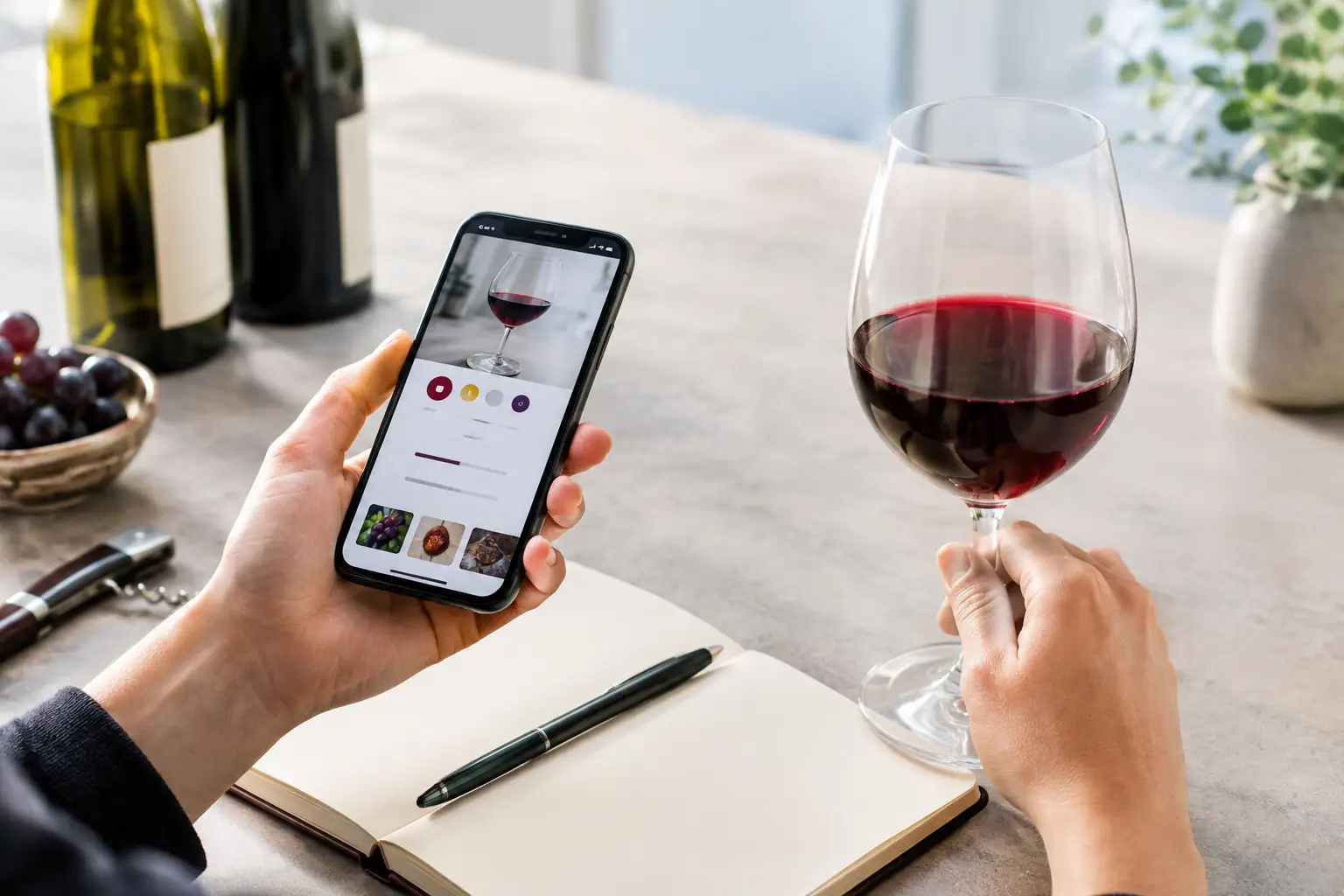
A bottle can be excellent and still be hard to remember. Perhaps you loved its bright cherry fruit, or the way it softened beside supper, but a week later the label and the details have blurred. The best wine tasting apps give that moment a place to live. More importantly, the right one helps you notice what is actually in your glass, without expecting you to speak like a sommelier.
Not every wine app does the same job. Some are built to identify a label and check a broad range of community ratings. Others are closer to a personal cellar book. A smaller group puts the tasting itself first, helping you move from “nice red” to clear, useful language about aroma, texture, flavour and finish.
What makes a wine tasting app worth using?
For most people, label scanning is the easy part. The more valuable question is what happens after the scan. Can you record whether the wine felt light or full, fresh or soft? Can you find that bottle again, compare it with another one, and understand why you preferred one over the other?
A good app should make this feel quick enough to use at the table. It should also leave room for your own judgement. Professional scores and crowd ratings can be useful reference points, but they cannot tell you whether a particular wine suited your palate, your meal or the occasion.
When choosing, look for four things: reliable bottle identification, notes you can genuinely search later, prompts that make tasting less intimidating, and privacy settings that feel clear. The best choice depends on whether you buy broadly, collect seriously, or simply want more confidence with the wine you already bring home.
7 best wine tasting apps for different drinkers
1. Vivino - best for quick label recognition
Vivino is often the first app people try because its label scanner is familiar and straightforward. Point your mobile phone at a bottle and you can usually see community ratings, average prices and tasting comments within moments. That is useful in a shop, at a restaurant, or when a bottle arrives at the table without much explanation.
Its main strength is scale. A large community means many well-known wines have plenty of entries to browse. The trade-off is that ratings can be noisy. A score may reflect a different vintage, a different market, or a reviewer whose preferences are nothing like yours. Use it as a starting point, not a verdict.
2. CellarTracker - best for organised collections
CellarTracker is particularly helpful if your wine rack has become a small collection and you want to keep track of it properly. You can log bottles, vintages, drinking windows and personal notes, making it easier to see what is ready to open and what deserves more time.
The depth is its advantage, although the interface can feel more functional than welcoming to a newcomer. If you enjoy records, provenance and the gradual story of a cellar, that detail is worthwhile. If you only want a gentle prompt while tasting a Friday-night bottle, it may be more than you need.
3. Delectable - best for social discovery
Delectable combines label recognition with a feed-led approach to wine discovery. It can be enjoyable for people who like seeing what friends, producers and wine professionals are drinking. The visual format makes it easy to browse, and it offers a more conversational route into trying something new.
That social element is not for everyone. It can encourage discovery, but it can also pull attention towards what is popular rather than what you personally enjoy. It works best when you treat the feed as inspiration and keep your own notes alongside it.
4. Wine-Searcher - best for checking availability and price
Wine-Searcher is less of a guided tasting companion and more of a practical research tool. It is useful when you have enjoyed a bottle and want to understand its typical price, locate a merchant, or compare a wine across vintages and regions.
This makes it valuable before buying, especially for a special occasion or an unfamiliar producer. It is not the strongest choice for building sensory vocabulary, however. Think of it as the app for the buying decision rather than the moment you sit down and taste.
5. Corkz - best for simple personal records
Corkz is designed around keeping a record of what you have tasted and what you have in your cellar. Its appeal is the personal archive: bottle details, notes, scores and images can all help make future buying choices more informed.
For drinkers who dislike public ratings and want a quieter digital notebook, that can be enough. The limitation is that recording a note is not the same as learning how to form one. You may still want a little structure when deciding what to look for beyond fruit, sweetness and colour.
6. Wine Notes - best for a private tasting journal
A dedicated wine journal app can suit people who want their thoughts to remain their own. These apps generally focus on entering a wine, adding a rating and writing a few observations, without the pressure of an expert community or a marketplace.
This approach is refreshingly simple. Its value depends on your consistency, though. If every entry says only “good” or “would buy again”, the archive will not tell you much six months from now. Choose a journal that lets you capture practical details such as body, acidity, tannin, occasion and food pairing.
7. Audio Sommelier - best for guided tasting at home
Audio Sommelier is built for the part many wine apps skip: the tasting itself. Rather than asking you to invent polished notes from a blank screen, it uses AI-guided audio to lead you through aroma, texture, flavour and finish with the bottle you already own. No wine knowledge is needed.
Its Smart Vault gives you a place to save tasting items and notes, while comparative Flights help you revisit bottles over time and spot patterns in your preferences. It is a subscription service, so it will not suit someone who only wants an occasional price check. For regular home drinkers who want calm, practical guidance and a tasting memory they can use, the focus is clear.
How to choose between wine rating apps and tasting guides
Start with the moment you want help. If you are standing in a wine aisle deciding between two unfamiliar labels, a large database and price information are likely to matter most. If you have bottles at home and keep wishing you could explain why one felt fresher, smoother or more complete than another, choose a guided tasting tool.
Many people use more than one app. A scanner can identify the bottle and provide basic context; a personal journal can preserve the experience; a tasting guide can make the notes more specific. There is no rule that one app must do everything well.
Be realistic about the information you enter, too. Vintage matters. Serving temperature matters. So does the setting. A crisp white opened on a warm evening with salty food may feel quite different from the same bottle tasted on its own in winter. A useful note records enough context to make sense later, not every technical detail available.
A better way to make tasting notes
You do not need to find ten aromas in every glass. Begin with what is easiest to notice. Does the wine smell more like fresh fruit, flowers, herbs, spice, oak or something savoury? On the palate, is it light, medium or full? Does it feel zesty, creamy, grippy, warming or smooth? Finally, does the flavour disappear quickly or stay with you?
Then add one sentence that connects the wine to your real experience: “Best with roast chicken”, “more enjoyable after fifteen minutes”, or “too drying for me”. Those observations are often more useful than a numerical score when you are choosing your next bottle.
The aim is not to pass a tasting test. It is to build a clearer picture of your own palate, one glass at a time. Choose an app you will actually open, give yourself permission to use ordinary words, and let each saved note make the next pour a little more familiar.